

The Alex Journeys Store
Things I made on the road, ready for your trip
The Lightroom presets I edit my own travel photos with, and the map pins I actually saved while exploring. Download in seconds and use them forever.
Featured
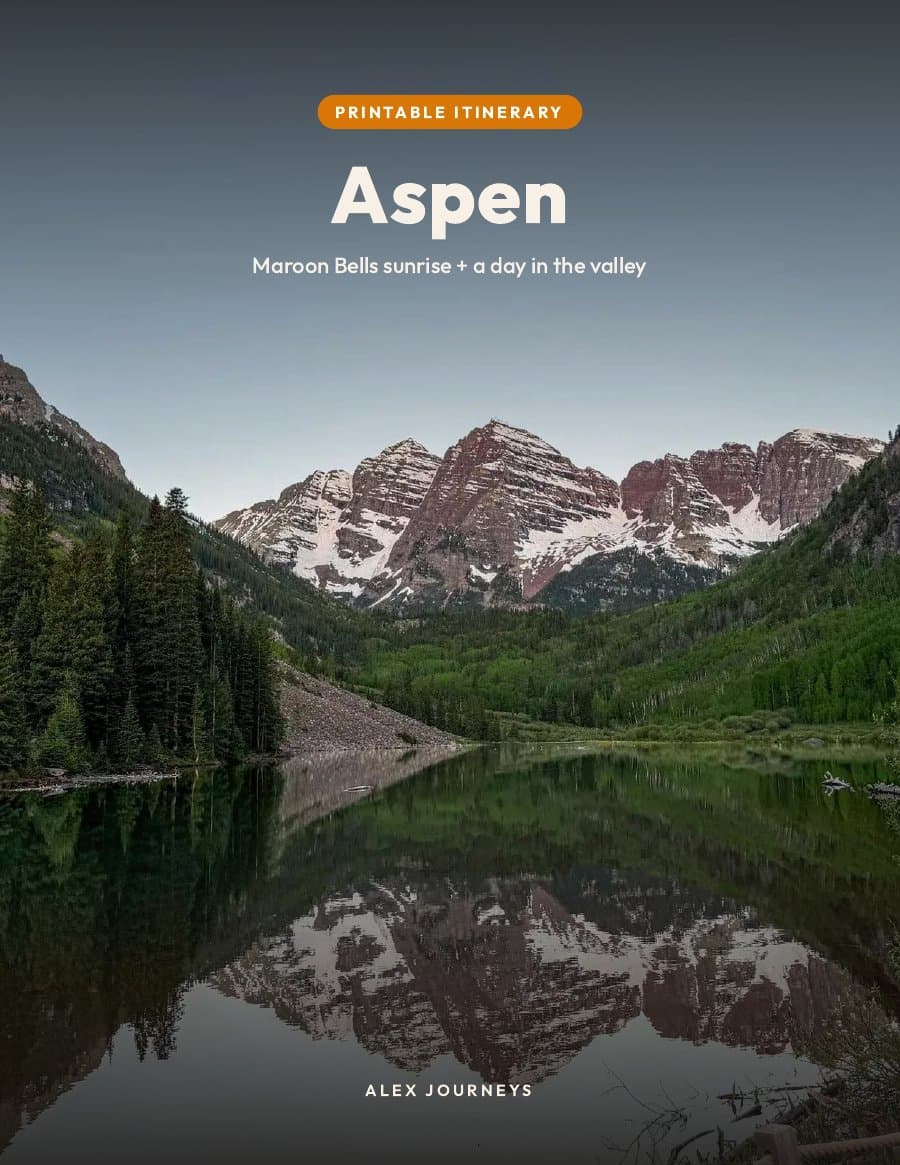
Aspen & Maroon Bells Itinerary (Free PDF)
My day-by-day plan from the trip, ready to print or keep on your phone. Free.
$0
See detailsFree downloads
My printable day-by-day itineraries, free. Pop in your email and they’re yours.







Lightroom preset packs
The looks I use on my own photos, packed by place.






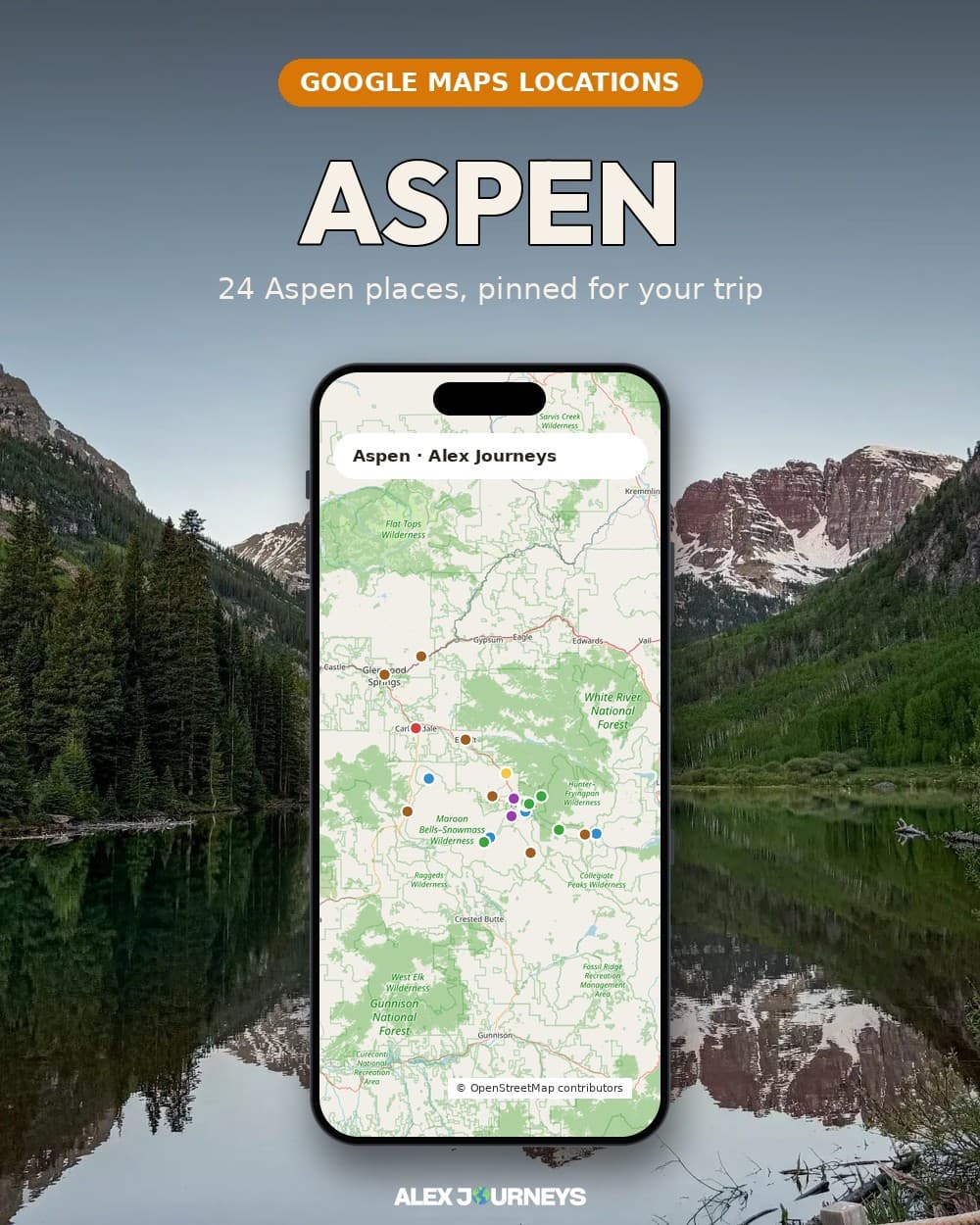
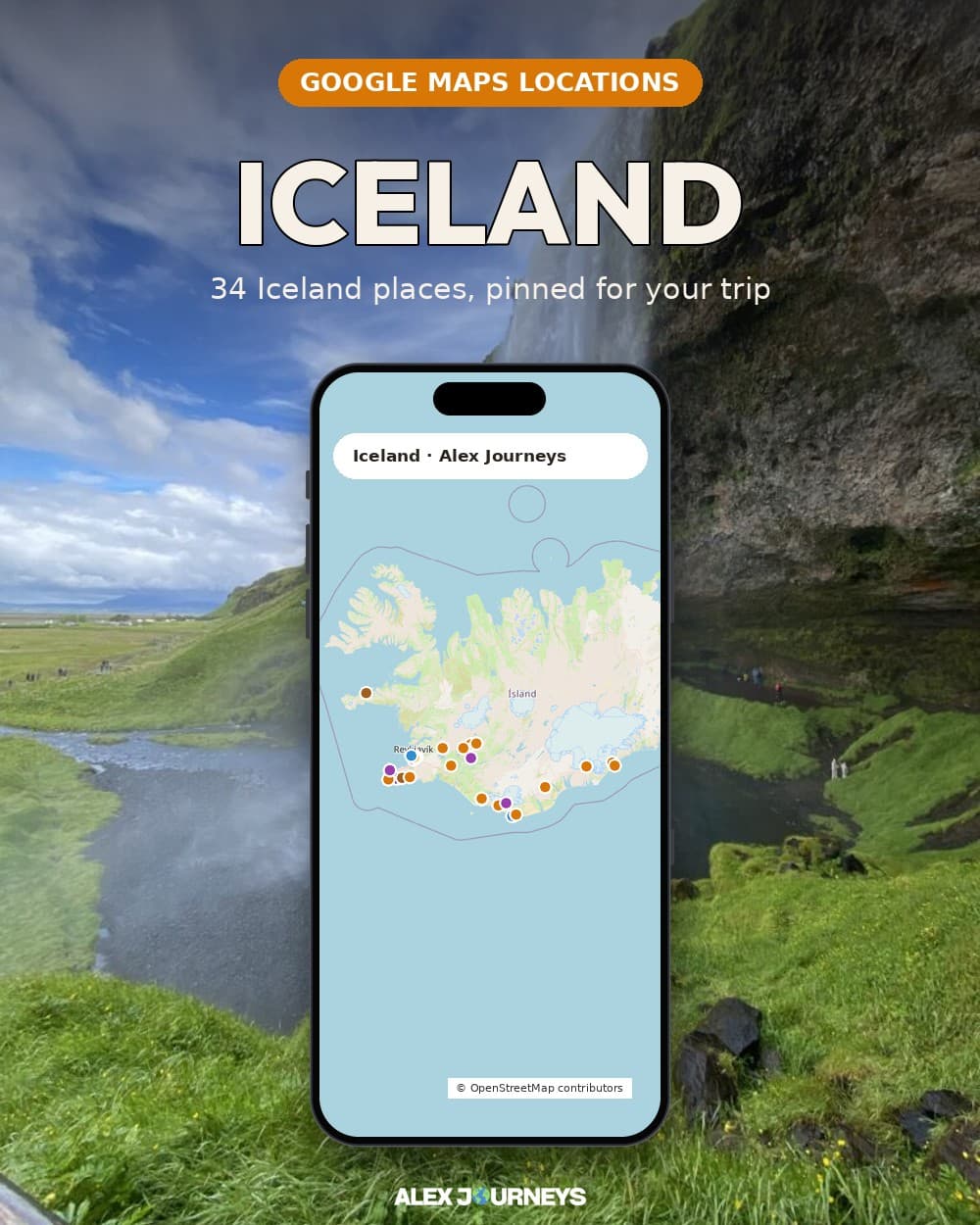
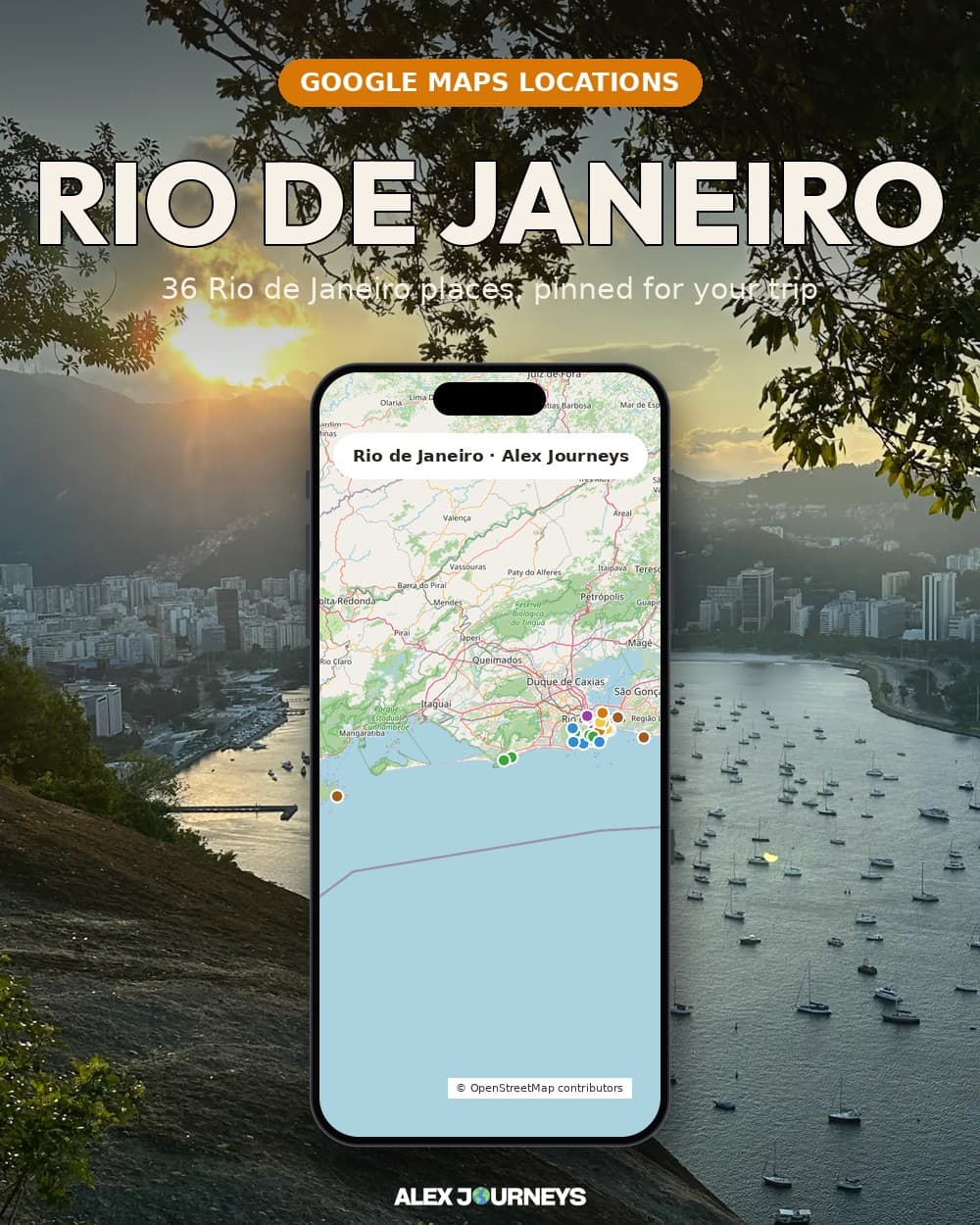
Saved maps packs
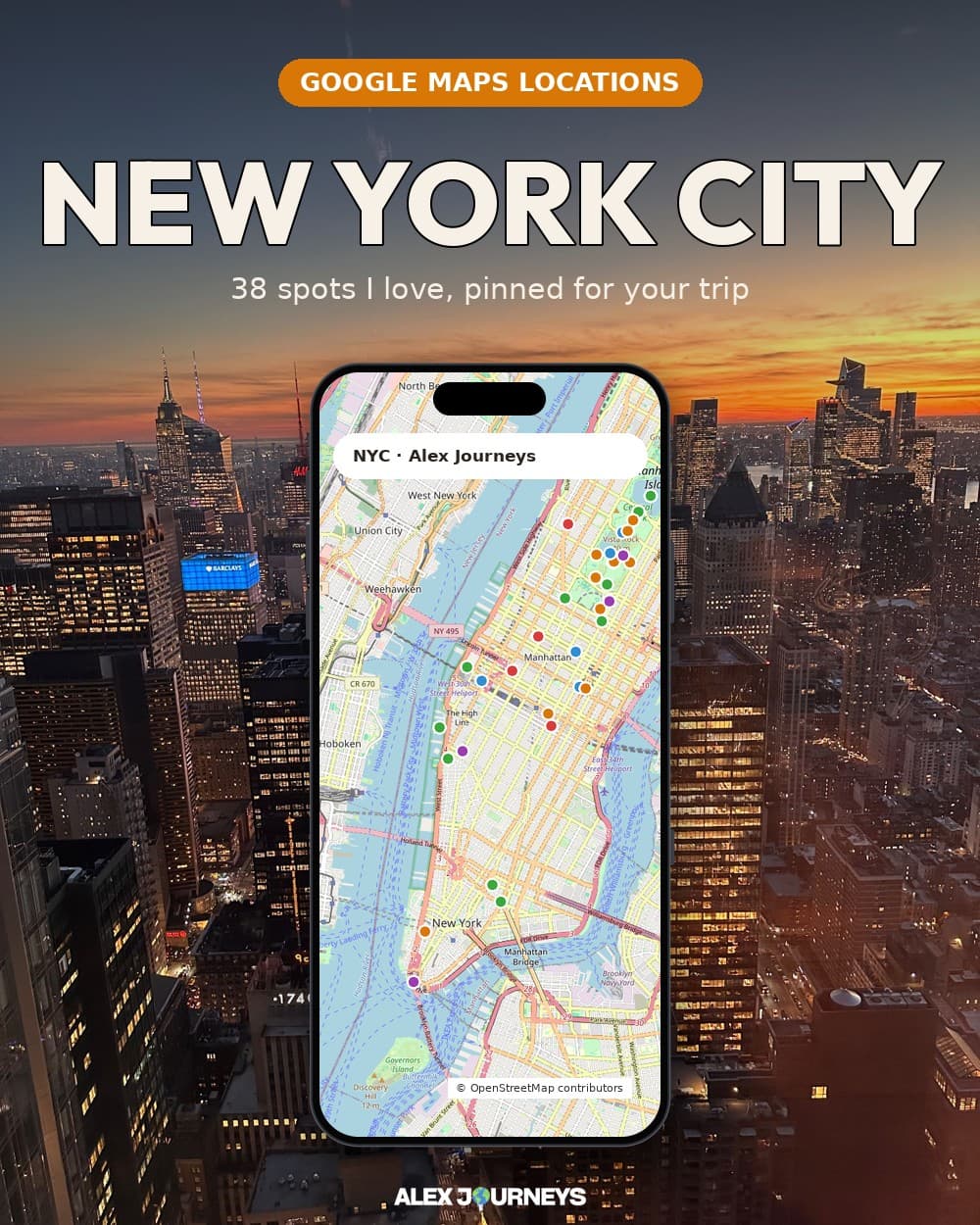
Every spot I pinned on a trip, ready to open in Google Maps.
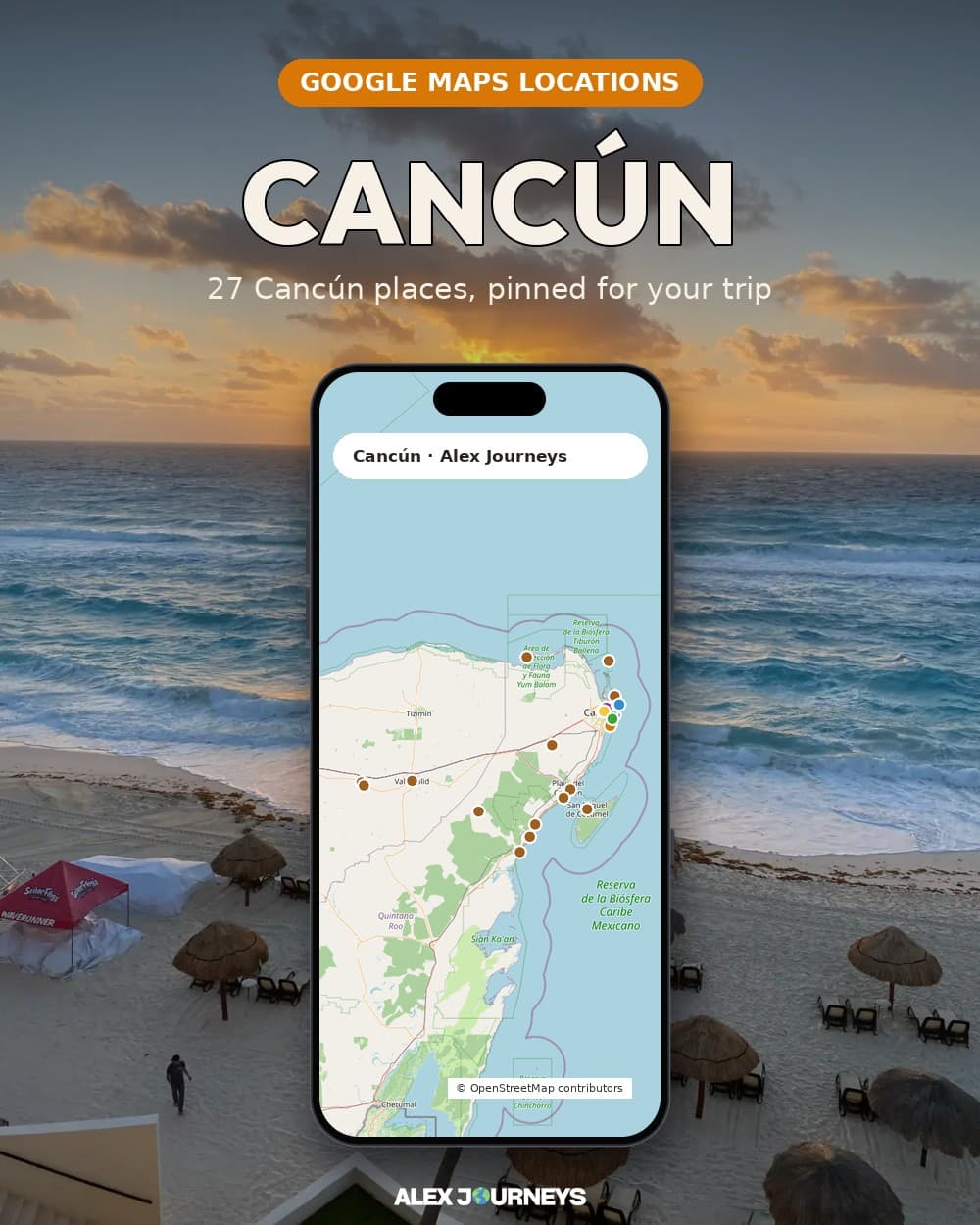
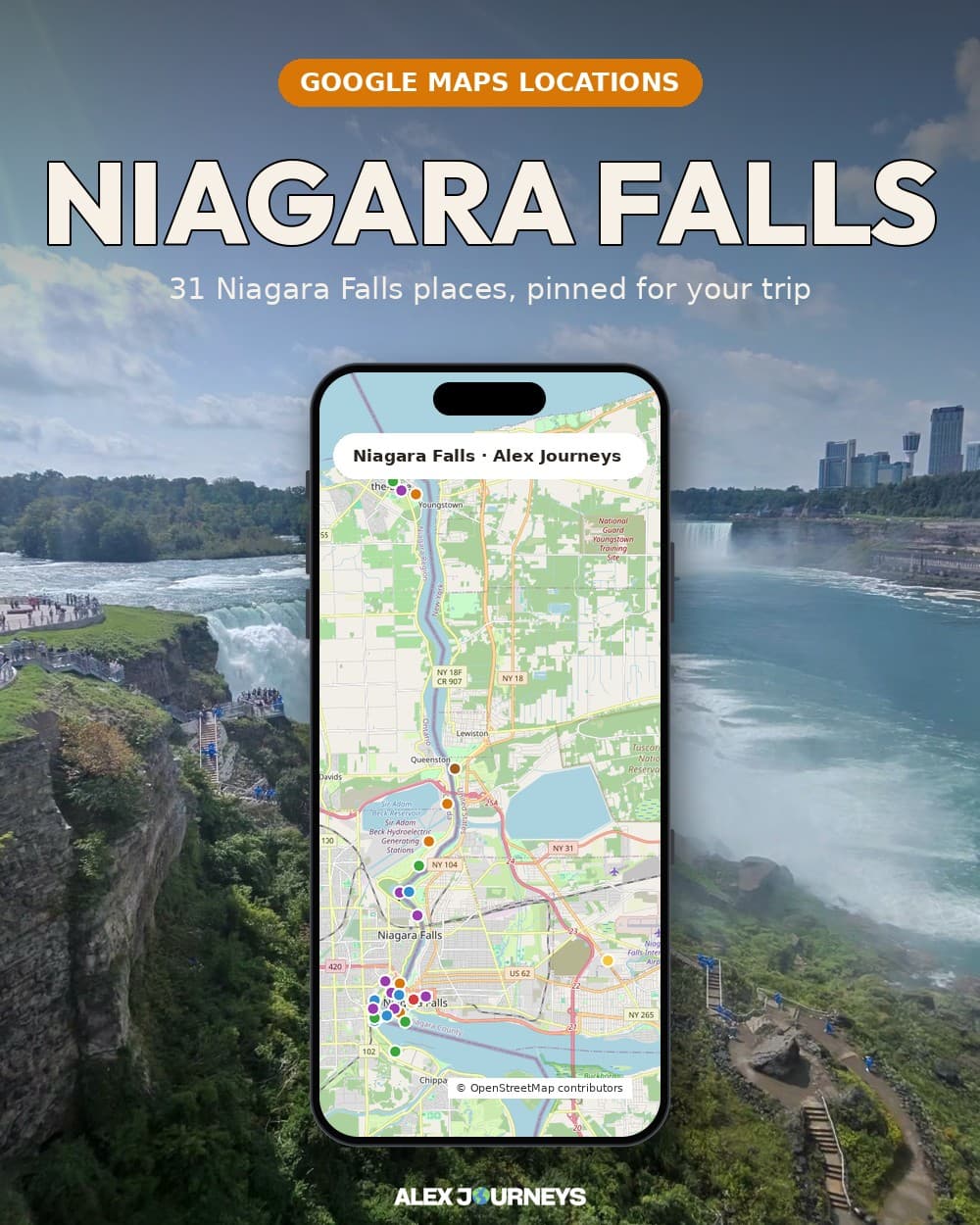
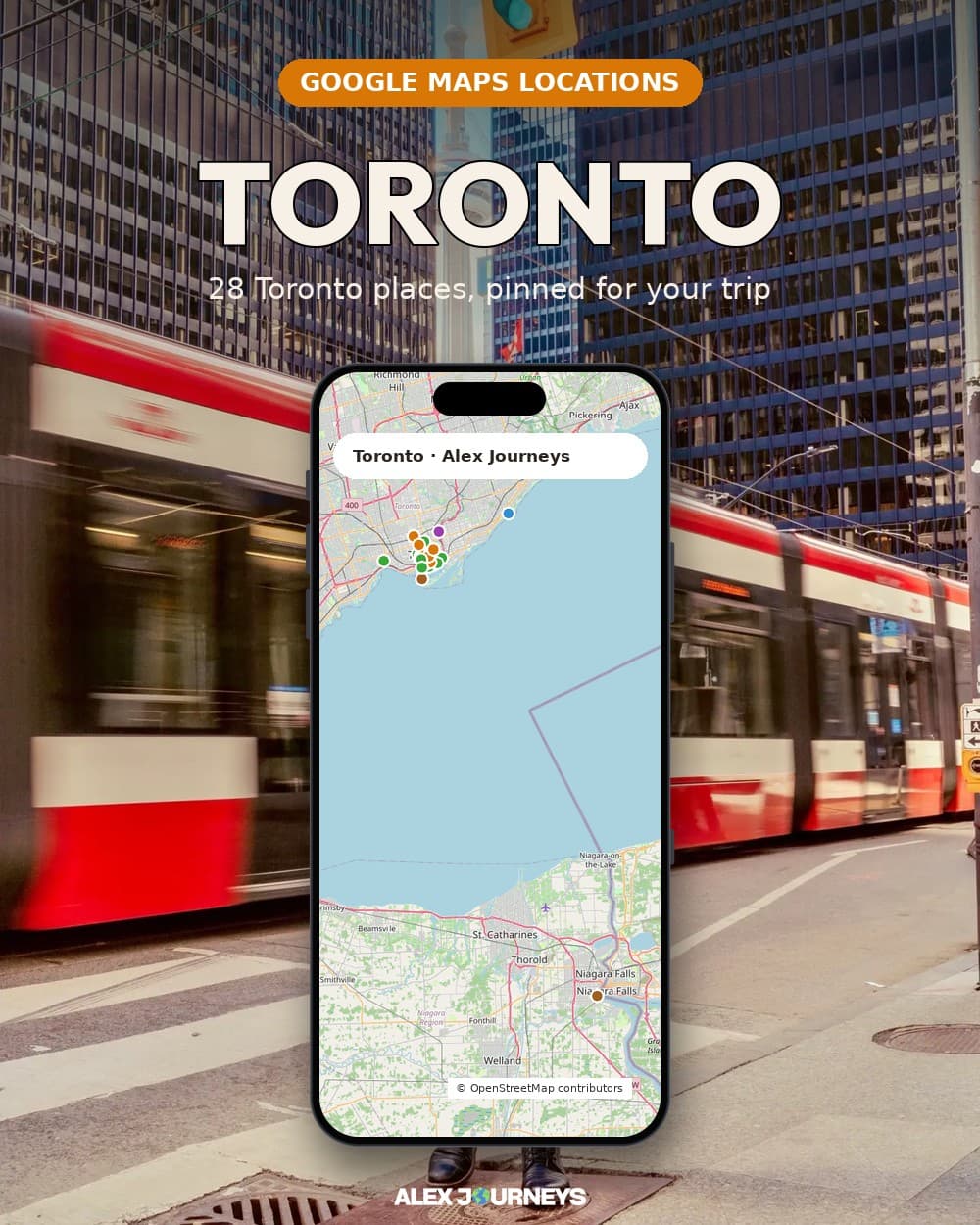
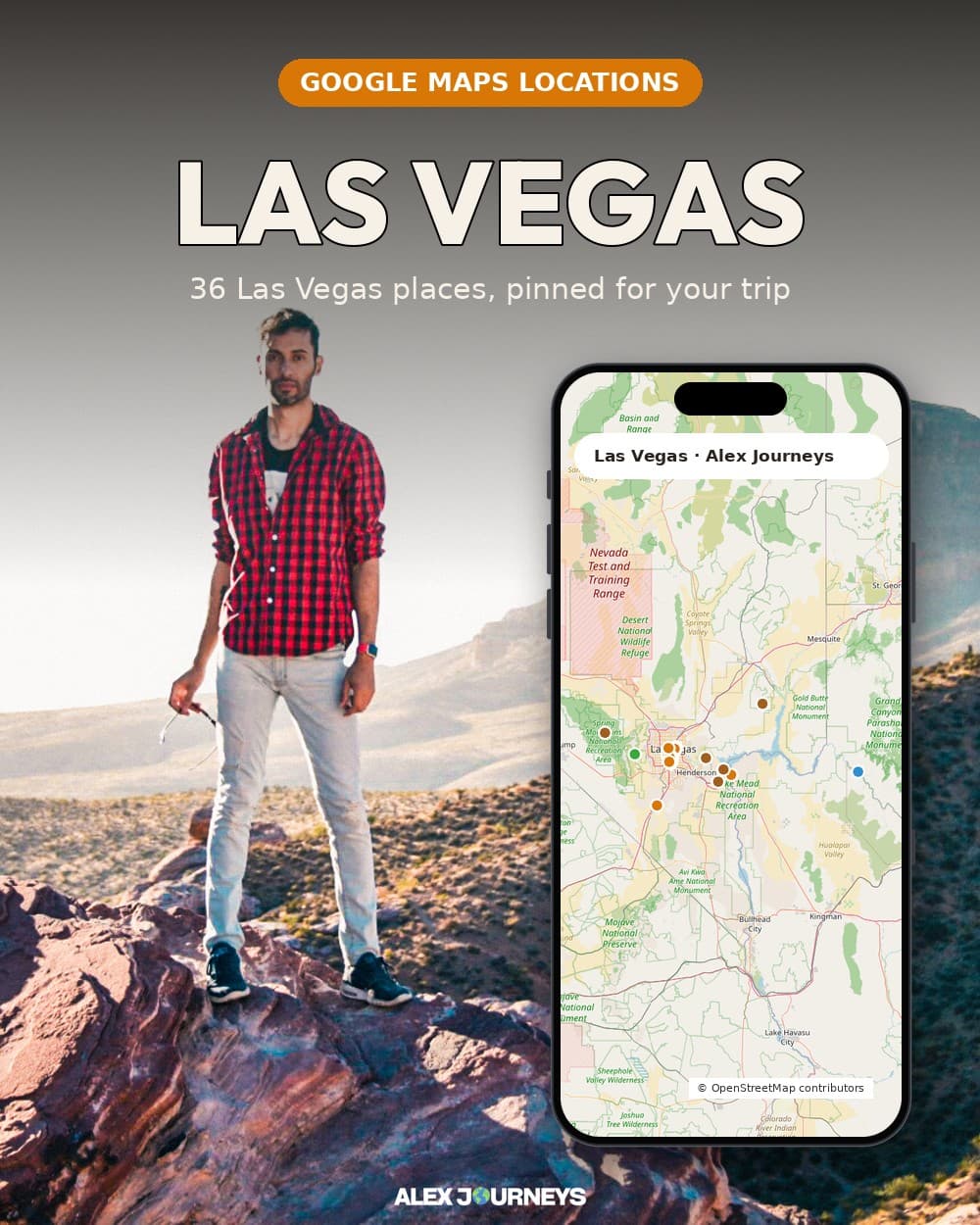
A real person behind every pack
Made on my own trips
Every preset and pin comes from places I actually went, not a stock library.
Instant download
Pay once and your files are ready in My purchases, on any device.
Secure checkout
Payments run through Stripe. I never see your card details.
Questions about a pack? Write to me and I’ll answer myself. Contact me
Questions
How do I get my files after paying?
Right after checkout you land on My purchases, where every pack you bought has a Download button. It stays there for good.
Is everything free with Premium?
Most packs are included with Premium. A few special ones aren’t, and members get them at a member price instead.
How do I install the presets on desktop and mobile?
Unzip the download, then in Lightroom Classic or Lightroom desktop choose Import Presets and pick the .xmp files. There are no separate mobile files: stay signed in to the same Adobe account and they sync to Lightroom mobile on their own. Each pack includes a short PDF guide.
How do I download my files again?
Sign in and open My purchases. Everything you bought has a Download button there for good, on any device.
I paid but can’t find my file
Check that you’re signed in with the account you used at checkout, then open My purchases. Your order email also has download links. Still missing? Send a store support request with your order number (it starts with AJ-) and I’ll sort it out.
How do the map packs work?
You import the file into Google My Maps and the pins show up in Google Maps on your phone, ready for the trip.